 TruchiChat
Chat Without Giving Out Your Number
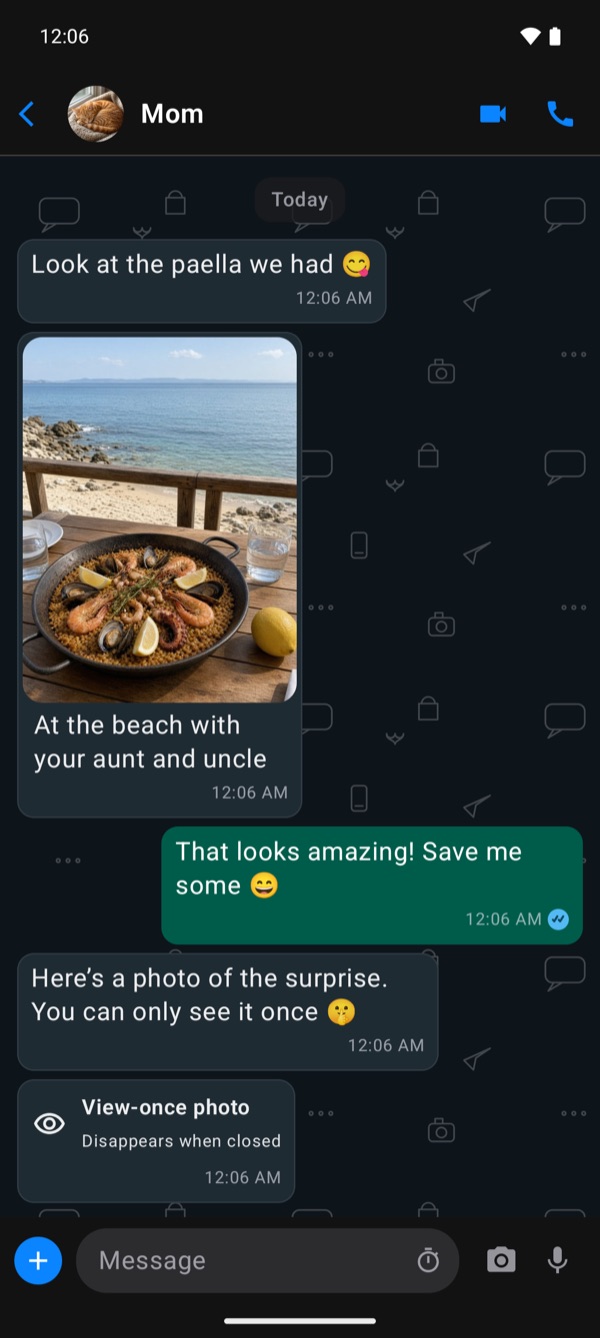
TruchiChat is private messaging between two people. All you need is a name: no phone number, no email. Messages, photos, voice notes and calls are end-to-end encrypted, and you only talk to people you invite
- Get it for iOSApp Store
- Get it for AndroidWithout Google
- Android, coming soonGoogle Play
Free, no adsNo trackersiPhone and Android
What makes it different
Three Things That Make It Different
Sign Up Without a Number or Email
All you need to get in is a name. There’s no phone or email field anywhere, no passwords, and the app doesn’t read your contacts.
No One Can Find You: You Do the Inviting
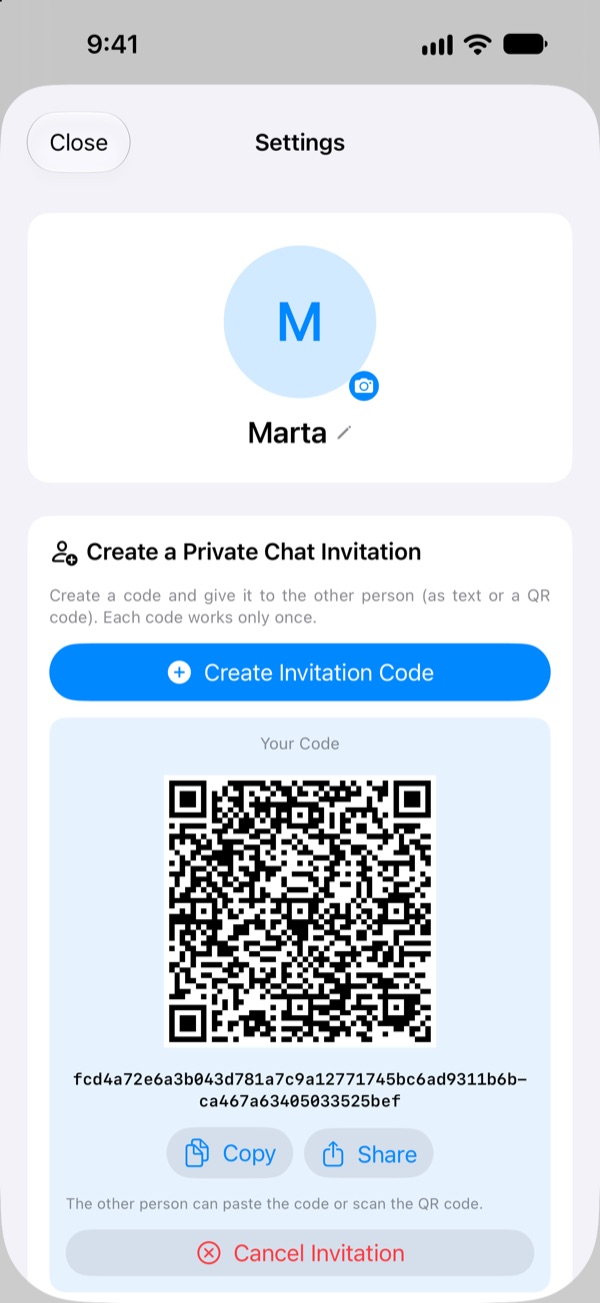
There’s no search and no directory. To talk to someone, you show them a single-use QR code that expires after 24 hours.
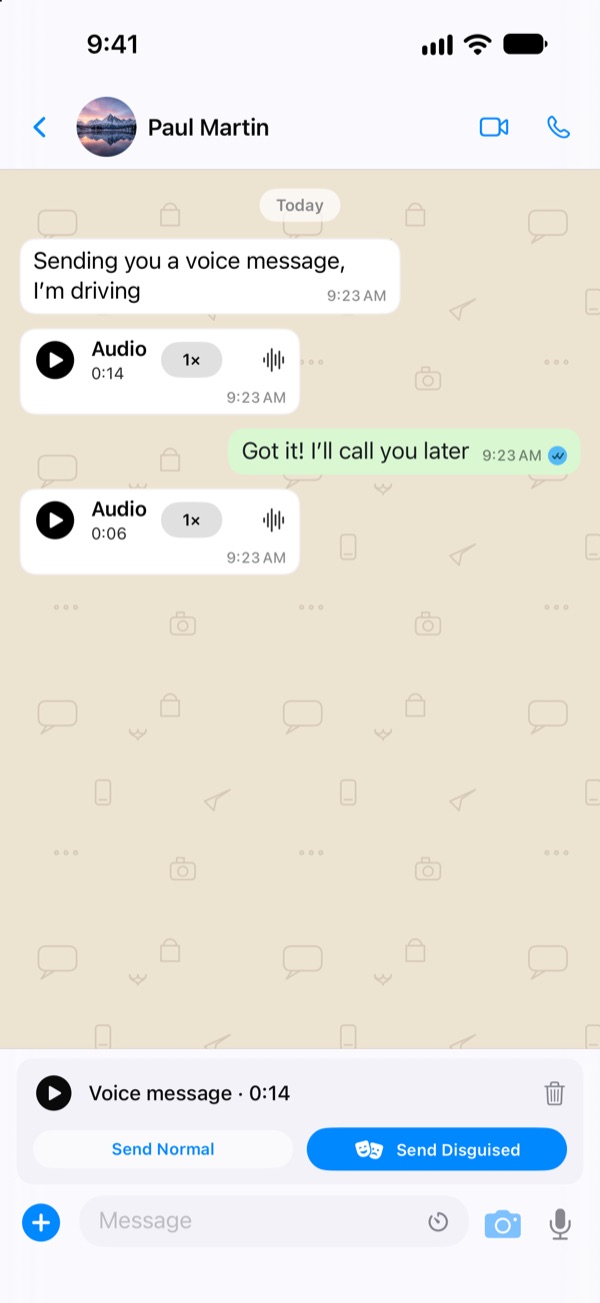
A Disguised Voice in Voice Notes
For each note, you choose whether it carries your own voice or a disguised one that’s still easy to understand. The change happens on your phone, before it’s sent.
How to get started
No One Can Find You: You Do the Inviting
- Pick a nameAny name you like. And a photo, if you want.
- Create an invitationIn Settings, a code with its QR code.
- The other person scans itFrom Settings in their TruchiChat, and your chat opens.
Each code works only once and expires after 24 hours. When it’s scanned, the app checks your contact’s key and warns you if it ever changes.
Voice notes
Disguise Your Voice in Voice Notes
A voice note says a lot about the person speaking. In TruchiChat you choose, note by note, whether it carries your own voice or a disguised one that’s still easy to understand. The change happens on your phone, before the note is encrypted and sent, on iPhone and on Android.
Hear the difference. It’s a synthetic computer voice, not a person, run through the same disguise the app uses.
What it says: “Hi, this is a test voice note. This is how your voice would sound with this disguise.”
And also
What You Say Stays Between the Two of You
Notifications Don’t Give Away What You Say
They say who’s writing and “New message.” Never the text, even if your phone is lying on the table.
The Server Forgets Within a Day
Anything not yet delivered is deleted after 24 hours at most.
Nicknames and Photos Only You See
The name and photo you give a contact never leave your phone.
No Ads, No Trackers
No advertising, and no analytics or tracking tools from other companies. Not on this website either.
Android Without Google Too
For GrapheneOS, or if you prefer to use Android without Google services: a version that uses nothing from Google, with its signing fingerprint so you can check it’s ours.
App Lock
Face ID, Touch ID or your passcode on iPhone; fingerprint or face on Android. It locks when you leave.
Fully transparent
What Our Server Sees, and What It Doesn’t
No messaging app is invisible. This is what goes through ours
It Can’t See
- Your messages
- Photos, videos, voice notes and files
- Your calls
- The places you send
It Does See, to Deliver
- Which account writes to which, and when
- The size of what’s sent
- Your IP, while you’re connected
- Your name and profile photo, which it only gives to people who have a chat with you
And It Deletes
- Anything undelivered, after 24 hours
- Everything of yours, if you delete your account
On purpose
What We Don’t Do, and Why
Each thing on this list would mean one more copy of your data somewhere
Questions
What People Often Ask
How much does it cost?
It’s free, with no ads. There are no in-app purchases.
Can TruchiChat read my messages?
No. They’re encrypted on your phone, and only your contact’s phone has the key to open them. Our server just passes them along, sealed.
What happens if I change phones?
You create a new account and invite your contacts again. Your chats don’t move to the new phone: keys and history never leave the phone, so they aren’t in any cloud.
Does it work between iPhone and Android?
Yes: an iPhone and an Android phone can chat and call each other, with the same features except where each system requires something different.
Are there groups?
No, on purpose: chats are between two people, for privacy.
Download
Choose Your Phone
Android Without Google
For GrapheneOS, or if you prefer to use Android without Google services, for more privacy. With its signing fingerprint so you can check it’s ours.
Download and InstallAndroid
Android 12 or later. It’s in closed testing on Google Play: coming very soon for everyone.
Coming Soon to Google Play